
ROS2 Installation
1.1. Introduction
ROS is an open-source meta-operating system for robots. It provides services expected of an operating system, such as hardware abstraction, low-level device control, implementation of common functions, inter-process message communication, and package management. In a sense, ROS is a kind of robot framework.

1.1. Introduction Figure 1
1.1.2 Differences Between ROS2 and ROS1
As the successor to ROS1, ROS2 retains the core functions of ROS while introducing many improvements and optimizations. Compared with ROS1, ROS2 removes the central “Master” node used in ROS1 and implements distributed node discovery, publish/subscribe (Pub/Sub), and request/response communication. While ROS1 used its own middleware (roscore), ROS2 uses DDS middleware. In addition, ROS1 used catkin as its build system, whereas ROS2 uses colcon.
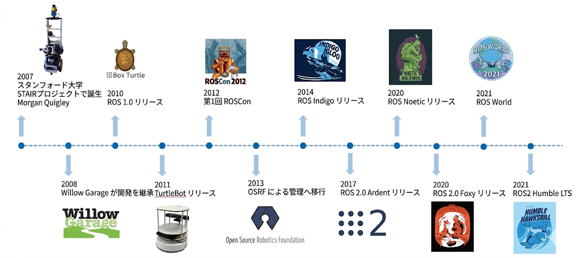
1.1.2 Differences Between ROS2 and ROS1 Figure 2
1.2. ROS2 Installation
1.2.1 locale Configuration
Install locale
locale \# check for UTF-8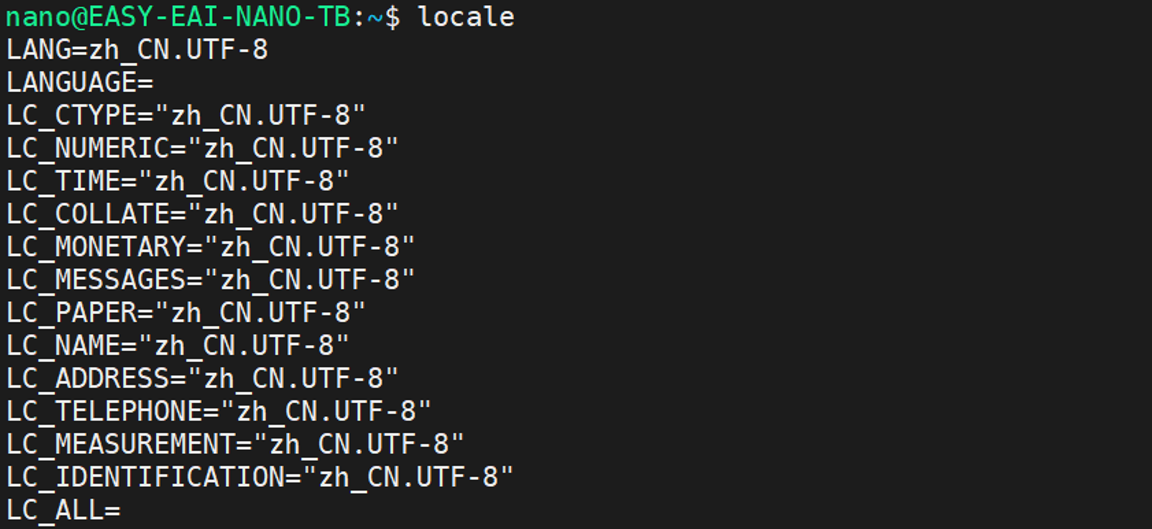
1.2.1 locale Configuration Figure 3
sudo apt update && sudo apt install locales# Configure (generate) locale
sudo locale-gen en_US en_US.UTF-8
1.2.1 locale Configuration Figure 4
sudo update-locale LC_ALL=en_US.UTF-8 LANG=en_US.UTF-8export LANG=en_US.UTF-8
1.2.1 locale Configuration Figure 5
locale \# Check settings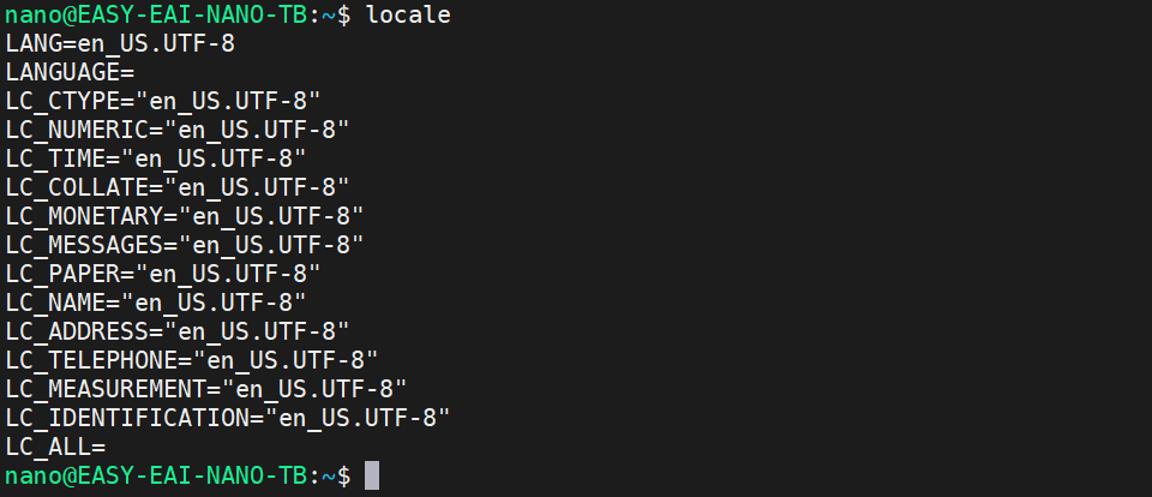
1.2.1 locale Configuration Figure 6
1.2.2 APT Repository (Source) Configuration
sudo apt install software-properties-common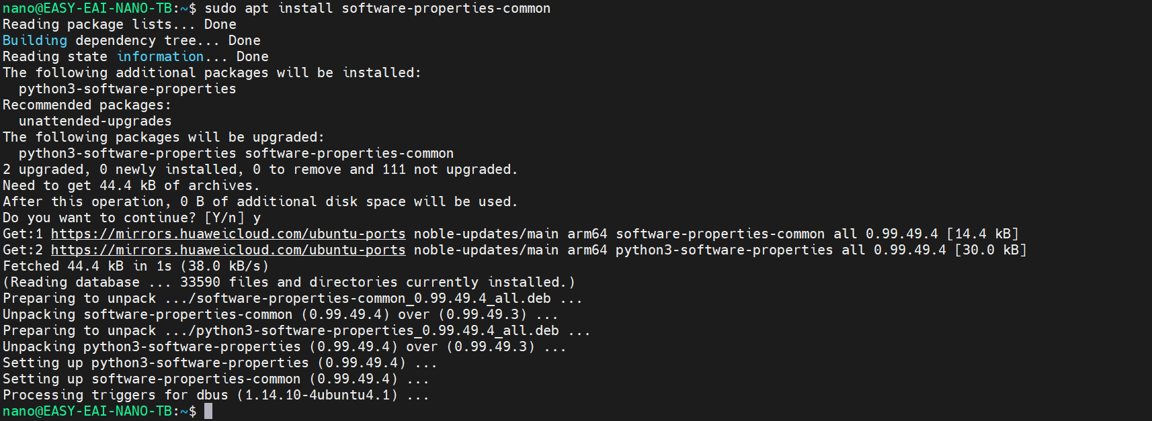
1.2.2 APT Repository (Source) Configuration Figure 7
sudo add-apt-repository universe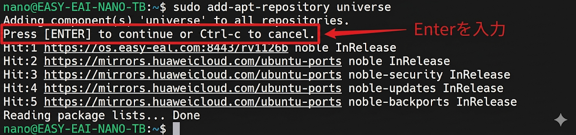
1.2.2 APT Repository (Source) Configuration Figure 8
# Install the curl library
sudo apt install curl -y# Add environment variable
export ROS_APT_SOURCE_VERSION=\$(curl -s https://api.github.com/repos/ros-infrastructure/ros-apt-source/releases/latest \| grep -F "tag_name" \| awk -F'"' '{print \$4}')# Download the package
curl -L -o /tmp/ros2-apt-source.deb "https://github.com/ros-infrastructure/ros-apt-source/releases/download/\${ROS_APT_SOURCE_VERSION}/ros2-apt-source\_\${ROS_APT_SOURCE_VERSION}.\$(. /etc/os-release && echo \${UBUNTU_CODENAME:-\${VERSION_CODENAME}})\_all.deb"
1.2.2 APT Repository (Source) Configuration Figure 9
# Install (unpack) the package
sudo dpkg -i /tmp/ros2-apt-source.deb
1.2.2 APT Repository (Source) Configuration Figure 10
1.2.3 Installation
# Update and upgrade packages from the new repository
sudo apt update && sudo apt upgradeThere are two installation versions:
(1) Desktop version (recommended): Includes ROS, RViz, demos, and tutorials.
(2) Base version: Includes communication libraries, message packages, and command-line tools. GUI tools are not included.
# To install the Desktop version
sudo apt install ros-humble-desktop# Install development tools (optional)
sudo apt install ros-dev-tools# Set environment variables
echo "source /opt/ros/humble/setup.bash" >> ~/.bashrcsource ~/.bashrc1.3 ROS2 Testing
1.3.1 Remote Control of the Desktop System
After installation is complete, run the xfce desktop environment in MobaXterm:
startxfce41.3.2 ROS2 Test
(1) Publish/Subscribe (Pub/Sub) test:**
Open a terminal and run the following:
ros2 run demo_nodes_cpp talkerOpen another new terminal and run the following:
ros2 run demo_nodes_py listener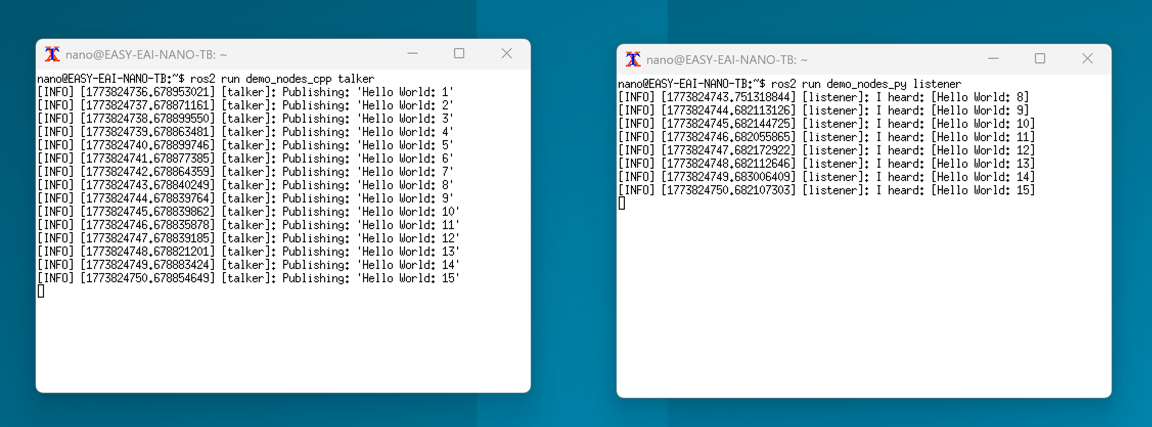
1.3.2 ROS2 Test Figure 11
(2) Turtlesim test:**
Connect an 8-inch display, mouse, and keyboard, start a terminal, and run the following:
ros2 run turtlesim turtlesim_nodeIf you want to control the turtle using the keyboard, open a new terminal and run the following:
ros2 run turtlesim turtle_teleop_key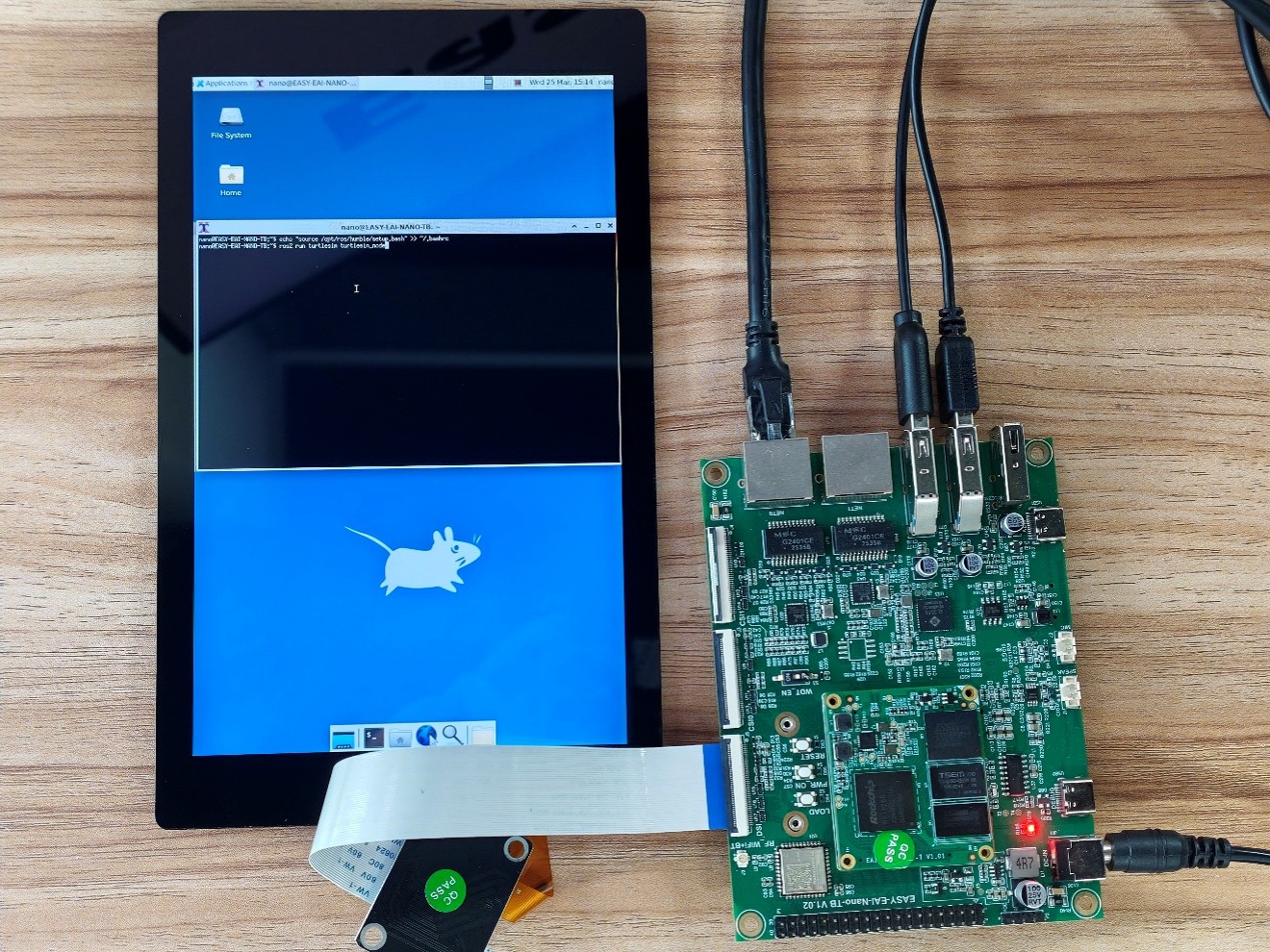
1.3.2 ROS2 Test Figure 12