
RKLLM Development Environment Setup
Revision History
| NO | Version | Revision Details | Date |
|---|---|---|---|
| 1 | Ver1.0 | New document | 2026/06/21 |
The information in this document may be changed without prior notice for document improvement. Please refer to the company website for the latest version.
Reproduction in any form without written permission from Nissho Technology Co., Ltd. is strictly prohibited.
1. development environment setup
1.1 RKLLM-Toolkitのインストール
This section、主にpipを使用してRKLLM-Toolkitをインストールするmethoddescribes。userは、the followingの詳細なprocedureを参照して、RKLLM-Toolkittoolchainのインストールを完了can。
インストールに必要ものは上のGoogle Drivefolderにあります。
https://drive.google.com/drive/folders/1nsL3pk75dyZHF_39KCKVoSevMq2F6Be9?usp=sharing
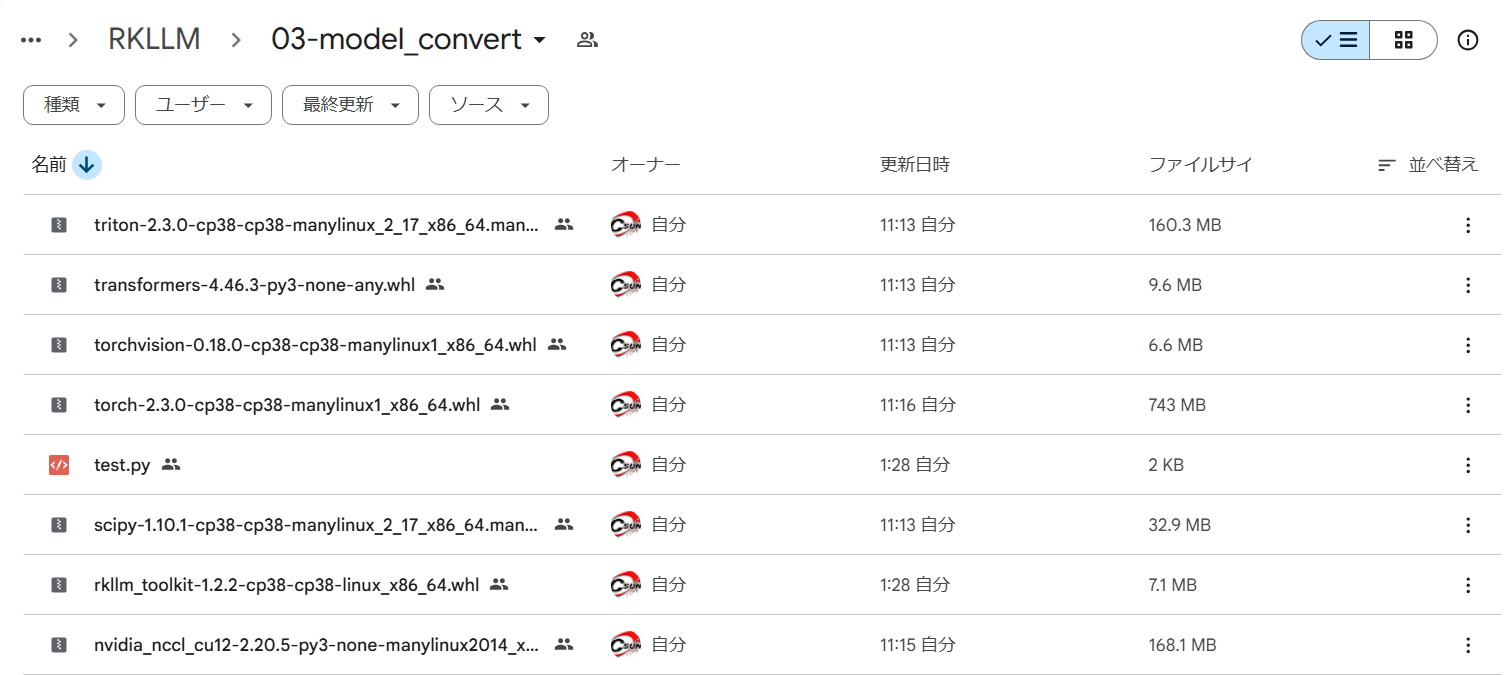
Figure:Example package folder for installing RKLLM-Toolkit
1.1.1 miniforge3ツールのインストール
systemが複numberの異なるVersionのPythonを必要とする事態を避けるin order to、Python環境の管理にはminiforge3を使用することをお勧めします。miniforge3とcondaがインストールされているかどうかを確認してください。既にインストールされているwhenは、このprocedureはスキップcan。
miniforge3インストールパッケージをダウンloadしてください。
※the followingの操作はすべてDocker開発環境で行います。
cd ~/develop_environment./run.sh 2204wgethttps://github.com/conda-forge/miniforge/releases/latest/download/Miniforge3-Linux-x86_64.shminiforge3をインストール
chmod 777 Miniforge3-Linux-x86_64.shbash Miniforge3-Linux-x86_64.sh1.1.2 RKLLM-Toolkit Conda環境の作成
Conda base 環境に入ります:
| source ~/miniforge3/bin/activate |
the following Python3.8 Version(推奨Version)というnameの RKLLM-Toolkit Conda 環境を作成:
| conda create -n RKLLM-Toolkit python=3.8 |
RKLLM-Toolkit Conda 環境に入ります :
| conda activate RKLLM-Toolkit |
1.1.3 RKLLM-Toolkitのインストール
pip installnvidia_nccl_cu12-2.20.5-py3-none-manylinux2014_x86_64.whlpip installscipy-1.10.1-cp38-cp38-manylinux_2_17_x86_64.manylinux2014_x86_64.whlpip install torchvision-0.18.0-cp38-cp38-manylinux1_x86_64.whlpip install transformers-4.46.3-py3-none-any.whlpip installtriton-2.3.0-cp38-cp38-manylinux_2_17_x86_64.manylinux2014_x86_64.whlpip install torch-2.3.0-cp38-cp38-manylinux1_x86_64.whlpip install rkllm_toolkit-1.2.2-cp38-cp38-linux_x86_64.whlインストール途中に、問題がなければ、下記コマンドをexecutionして正常に終わります。
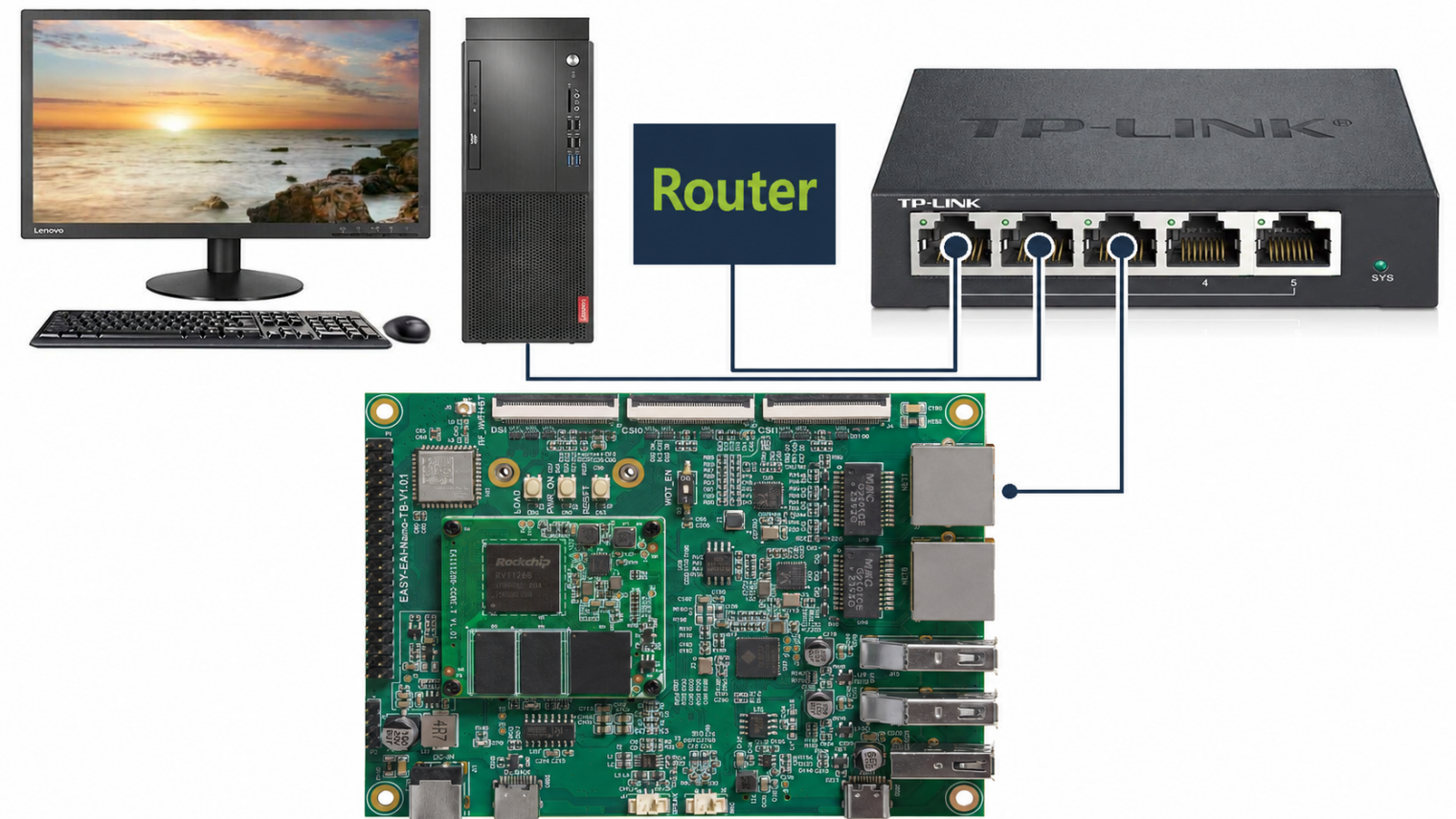
Figure:LAN connection topology for the RV1126B board