
Desktop System Installation
1.1. Overview
The EASY-EAI-NANO-TB firmware does not include a desktop system by default. Install it yourself if needed.
1.2. Installation Procedure
1.2.1 Environment Preparation
Run the following command while connected to the Internet.
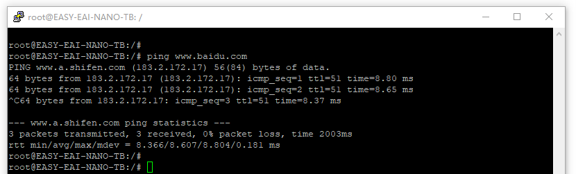
1.2.1 Environment Preparation Figure 1
sudo apt-get update && sudo apt install -y--allow-downgrades --no-install-recommends \xorg xfce4 xfce4-goodies elementary-xfce-icon-theme \lightdm lightdm-gtk-greeter lightdm-gtk-greeter-settings \accountsservice \fonts-wqy-zenhei fonts-wqy-microhei fonts-noto-cjk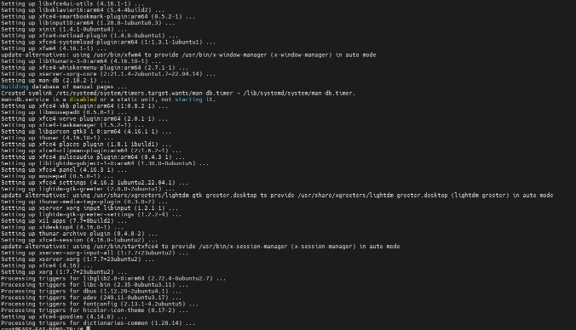
1.2.1 Environment Preparation Figure 2
1.2.2 lightdm Configuration
Run the following commands to create override.conf.
sudo mkdir -p /etc/systemd/system/lightdm.service.dsudo vim /etc/systemd/system/lightdm.service.d/override.conf# Add the following content:
# [Service]# LimitNOFILE=655361.2.3 Manually Select lightdm
sudo dpkg-reconfigure lightdmAfter execution, restart the board and the desktop will be displayed.