
AI Model Conversion Environment Setup Guide
1. Overview
Setting up the model conversion environment is a prerequisite for converting AI models into RKNN format. This document describes how to deploy the rknn-toolkit2 Docker image to an Ubuntu 20.04 environment and start the model conversion tool runtime environment in Docker.
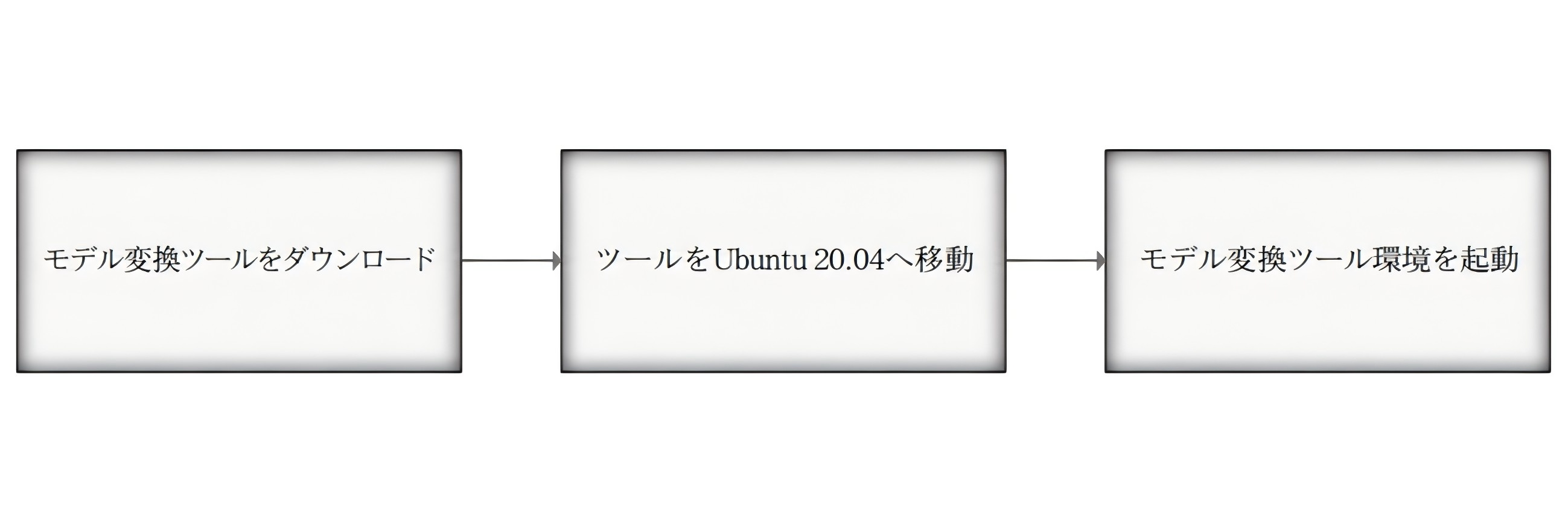
The overall flow is as follows.
| Step | Description |
|---|---|
| 1 | Download the model conversion tool |
| 2 | Move the Docker image to the Ubuntu 20.04 environment |
| 3 | Load the Docker image |
| 4 | Enter the bash environment and verify the RKNN libraries |
2. Download the Model Conversion Tool
To run the model conversion tool properly, download the following Docker image.
Download link:
https://dl.dragonwake.com/download/rv1126b/AI/images/rknn-toolkit2-v2.3.2-cp38-docker.tar.gz3. Move the Tool to Ubuntu 20.04
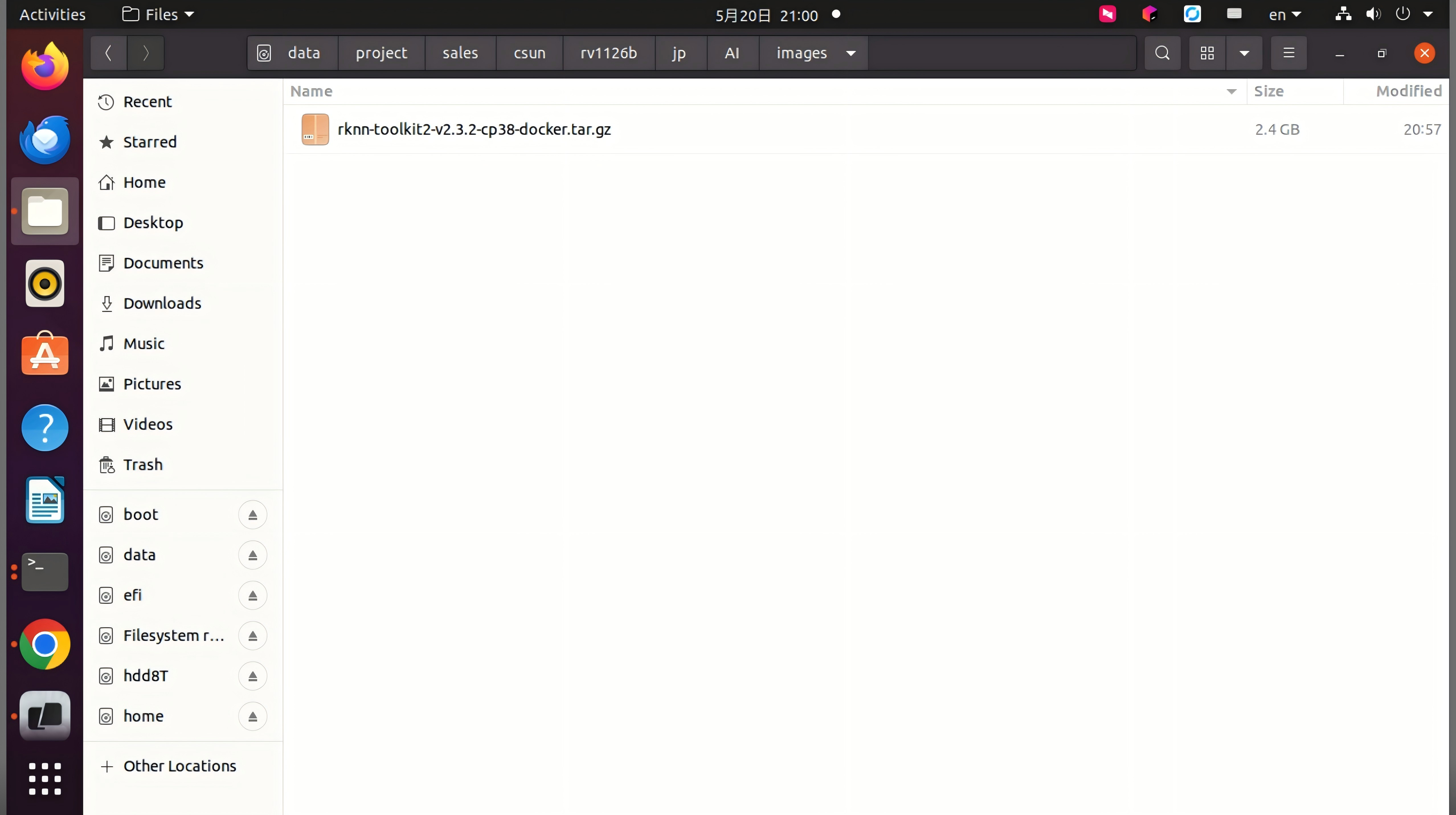
Move the downloaded Docker image to the rknn-toolkit directory on Ubuntu 20.04.
Reference image: Place the Docker image in the
rknn-toolkitdirectory.
4. Start the Model Conversion Tool Environment
After placing the Docker image, start the model conversion tool environment by following the steps below.
4.1 Open a Terminal
Open a terminal in the directory where the Docker image is located.
4.2 Load the Docker Image
Run the following command to load the Docker image of the model conversion tool.
docker load --input rknn-toolkit2-v2.3.2-cp38-docker.tar.gz4.3 Enter the Bash Environment of the Image
Run the following command to enter the bash environment of the Docker image.
docker run -t -i --privileged -v /dev/bus/usb:/dev/bus/usb -v /home/developer/rknn-toolkit2/model_convert_test:/test rknn-toolkit2:2.3.2-cp38 /bin/bashAfter execution, you can enter the root shell inside the container.
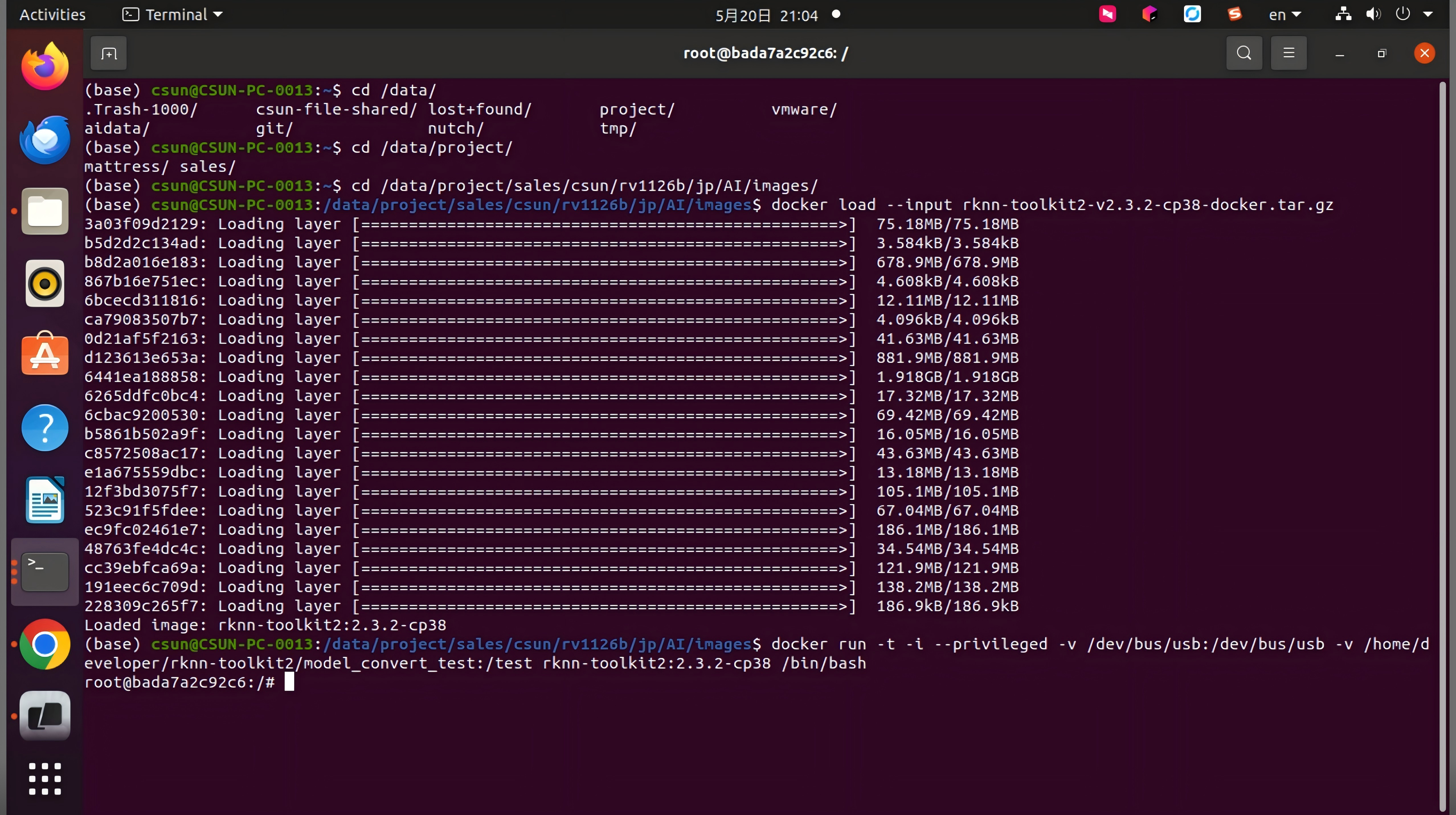
Next, enter python to start the Python environment. Then verify that the RKNN-related libraries can be imported.
python>>> import rknn
The model conversion tool environment setup is now complete.