
Gesture Recognition
Revision History
| NO | Version | Description | Date |
|---|---|---|---|
| 1 | Ver1.0 | Initial creation | 2026/06/30 |
The information in this document may be changed without prior notice for the purpose of improving the document. Please refer to our website for the latest version.
Reproduction in any form without the written permission of Nissho Technology Co., Ltd. is strictly prohibited.
1. Gesture Recognition Algorithm Overview
The gesture recognition algorithm is an advanced pose estimation model. Trained on a keypoint dataset, it can detect 21 keypoints and 26 gesture classes for a person’s hand in images or videos. Each keypoint represents a different part of the hand. This algorithm is widely used in fields such as sports analysis, animal behavior monitoring, and robotics, and is used to help machines understand physical actions in real time. The characteristics and improvements of gesture recognition enhance performance and flexibility, making it a suitable choice for various computer vision tasks. This algorithm provides high execution efficiency and excellent real-time performance.
The execution efficiency on CSUN RV1126B is as follows:
| Algorithm Type | Model Size | Execution Efficiency |
| Gestures Pose | 11.6 MB | 53ms |
| Gestures Classify | 2.81 MB | 5ms |
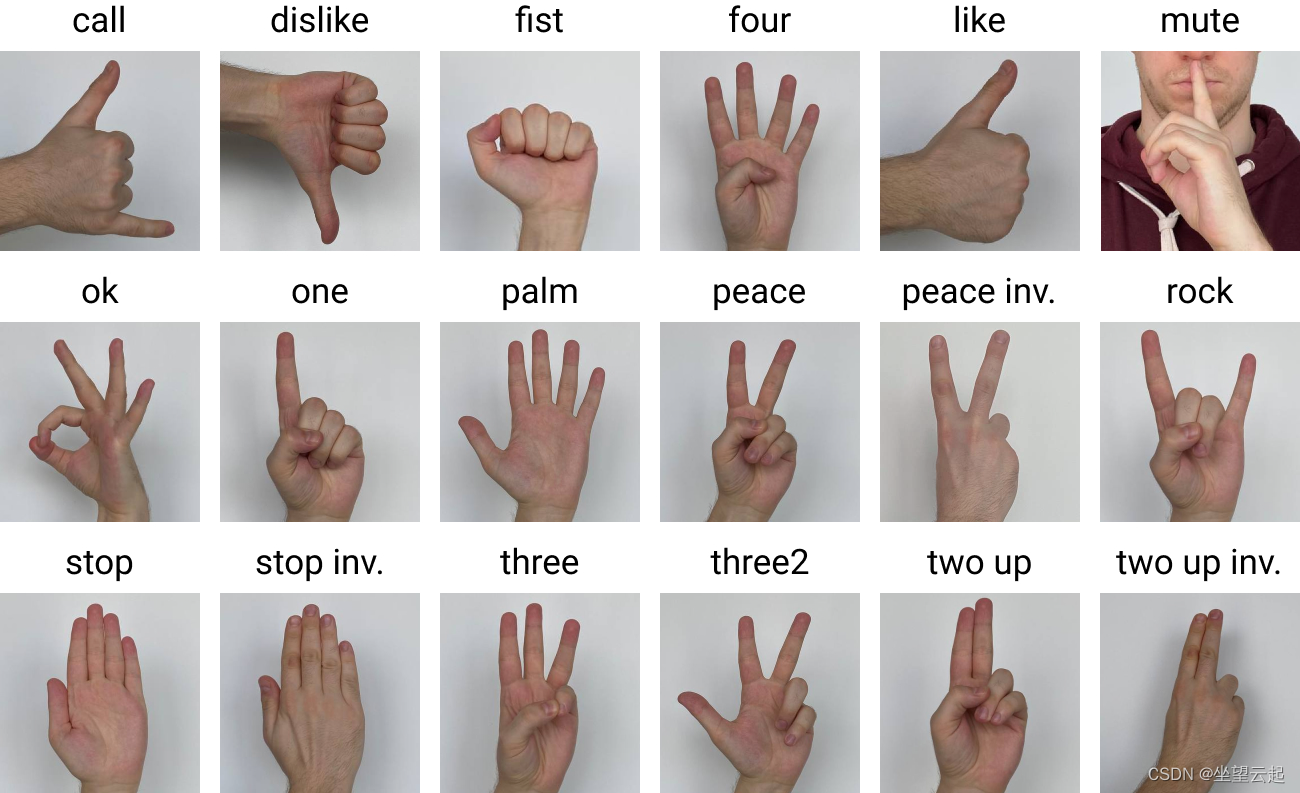
Figure 1-1 Gesture Recognition Index Definition and Sample
Definition of the 26 gesture indexes:
| Index | Definition | Style | |
| 0 | call |  | |
| 1 | dislike | 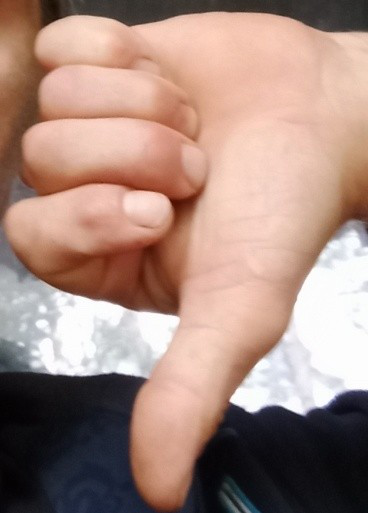 | |
| 2 | fist | 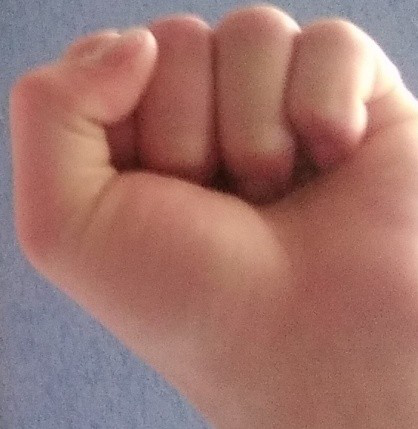 | |
| 3 | four | 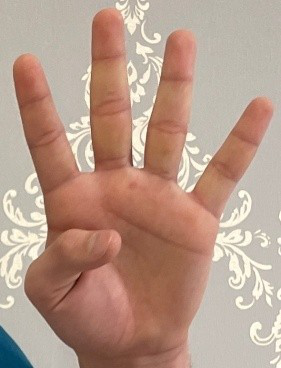 | |
| 4 | grabbing | 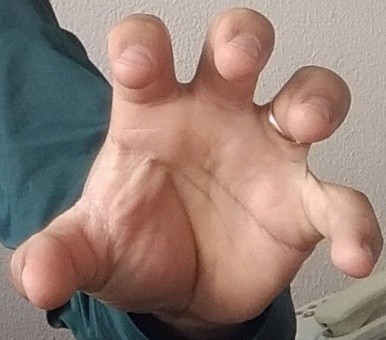 | |
| 5 | grip | 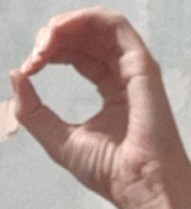 | |
| 6 | like | 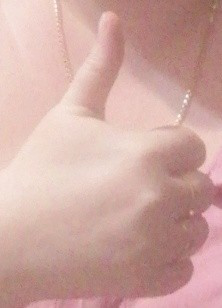 | |
| 7 | little_finger | 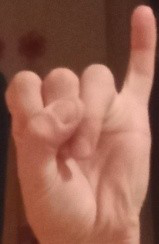 | |
| 8 | middle_finger |  | |
| 9 | no_gesture | 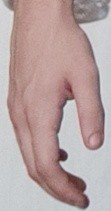 | |
| 10 | ok | 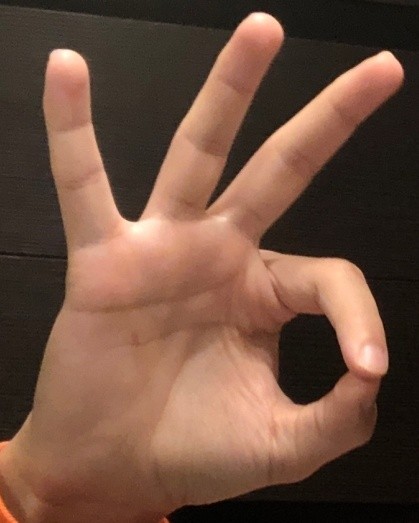 | |
| 11 | one | 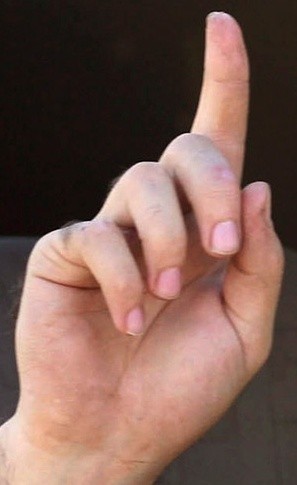 | |
| 12 | palm | 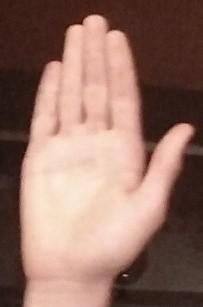 | |
| 13 | peace | 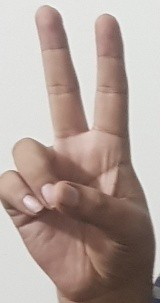 | |
| 14 | peace_inverted | 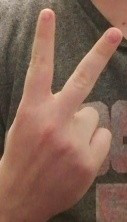 | |
| 15 | point | 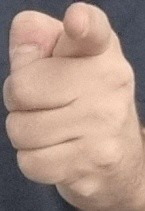 | |
| 16 | rock | 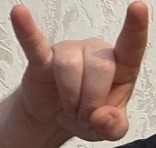 | |
| 17 | stop | 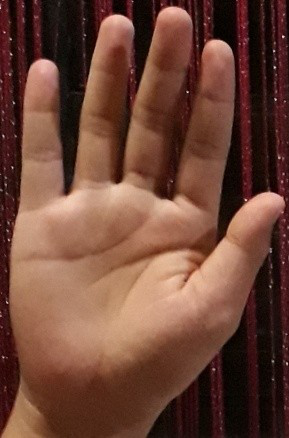 | |
| 18 | stop_inverted | 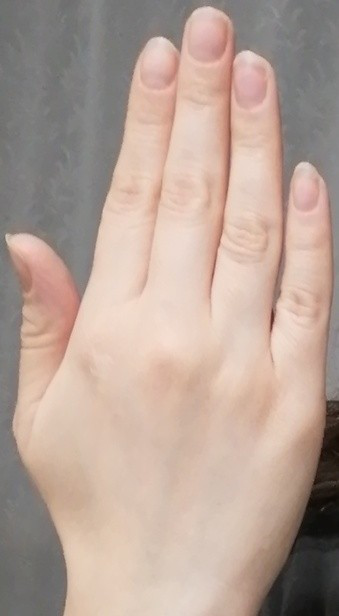 | |
| 19 | three | 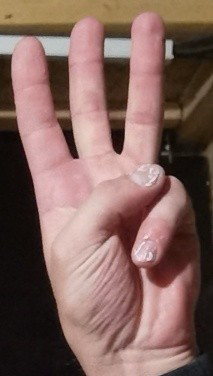 | |
| 20 | three_gun | 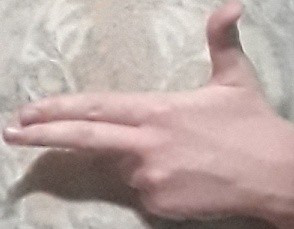 | |
| 21 | three2 |  | |
| 22 | Three3 | 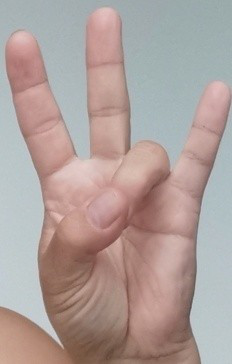 | |
| 23 | thumb_index | 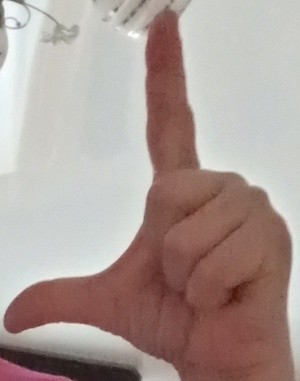 | |
| 24 | two_up |  | |
| 25 | two_up_inverted | 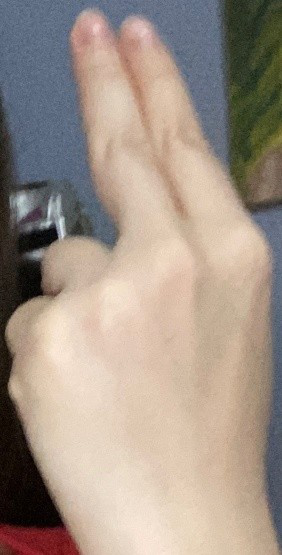 | |
| 26 | gestures_bg | Background (no hand present) |
2. Quick Start
2.1 Preparing the Development Environment
If you are reading this document for the first time, refer to Getting Started / Preparing and Updating the Development Compilation Environment, and deploy the compilation environment according to the related steps.
On the Ubuntu system on the PC side, run the run script to enter the Docker development environment. The steps are as follows:
cd ~/linuxshare/work/rv1126b/jp/embedded/images/develop_environment./run.sh 2204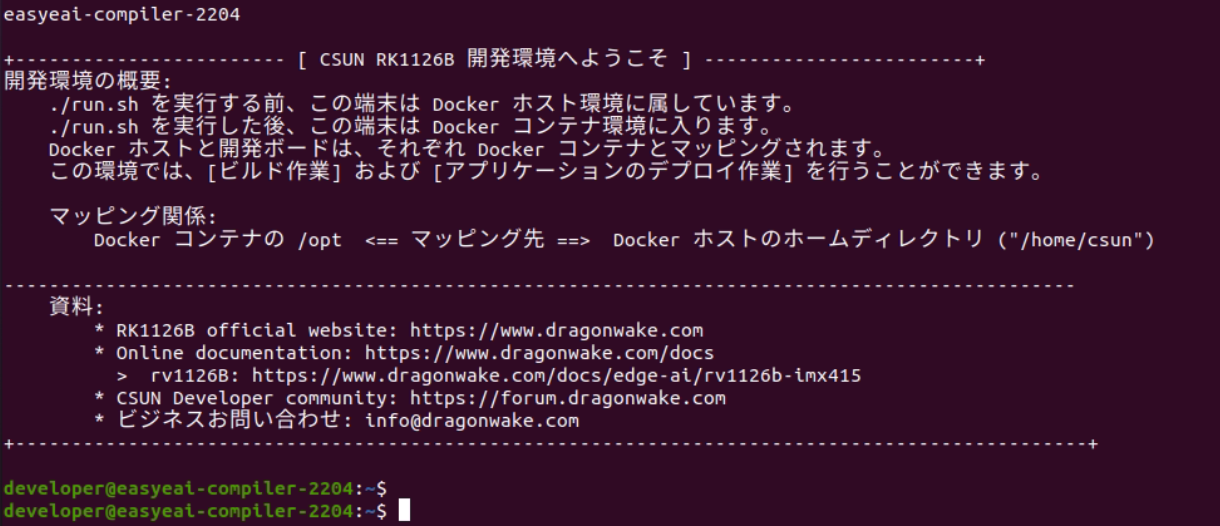
Figure 2-1 Starting the Docker Development Environment
2.2 Downloading the Source Code
In the Docker development environment, create a management directory for storing the source code repository.
cd /opt/linuxshare/work/rv1126b/jp/AI/demo/ai-algorithmUse the git tool to clone the remote repository into the management directory.
git clone https://github.com/csunltd/rv1126b-ai-toolkit.git※ Even when downloading from the GitHub web page, download the entire repository. Do not download only the directory corresponding to this sample.
※ If the repository has already been downloaded, skip this step.
2.3 Model Deployment
To run the algorithm Demo, first download the gesture recognition algorithm model.
Download link:
https://dl.dragonwake.com/download/rv1126b/AI/demo/12_gestures.zip
Then copy the downloaded gesture recognition model to the Release/ directory.
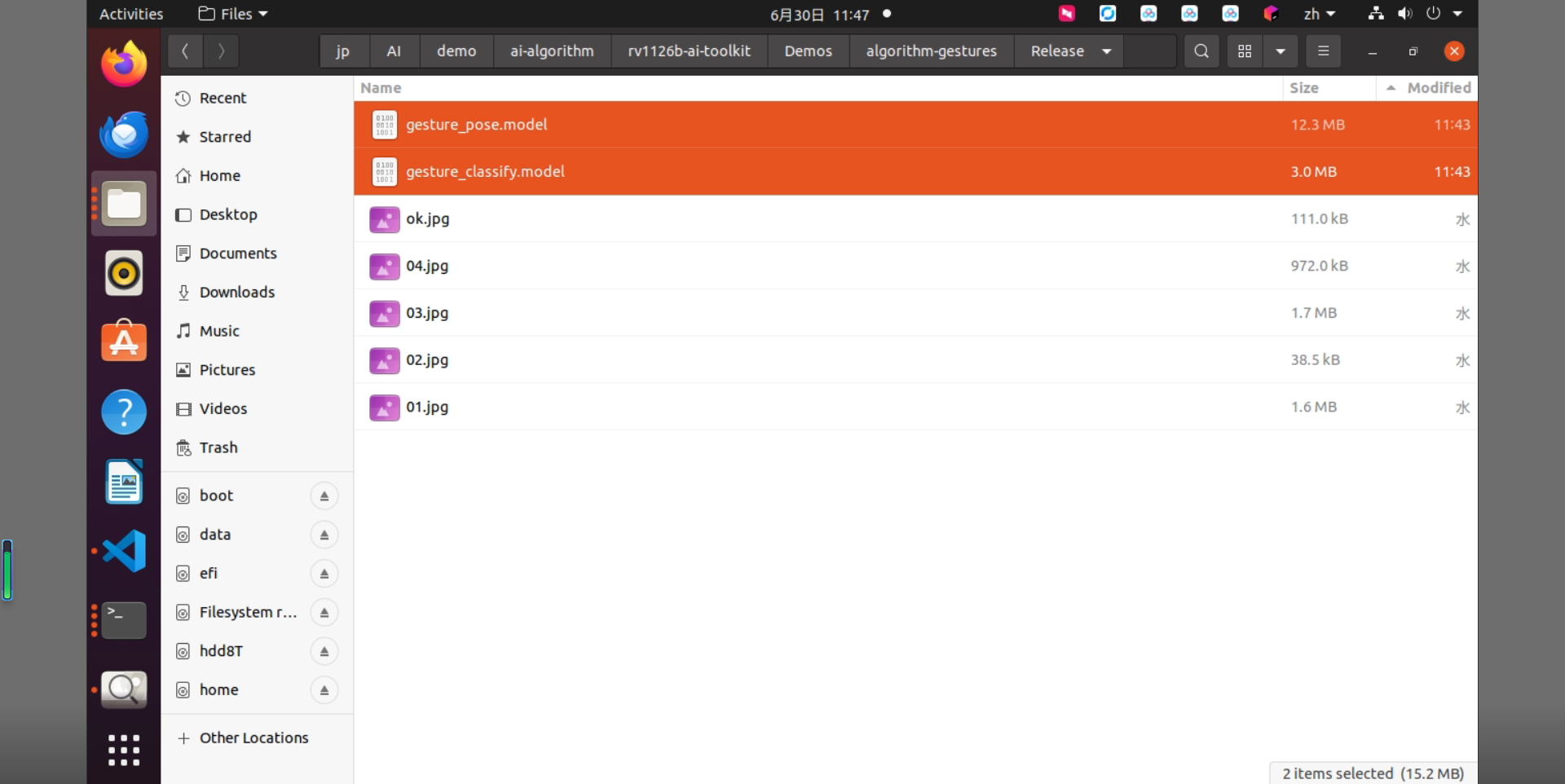
Figure 2-2 Files in the Release Directory
2.4 Building the Sample
Move to the directory containing the sample and execute the build. The specific commands are as follows:
cd rv1126b-ai-toolkit/Demos/algorithm-gestures/./build.sh cpres* Because the dependent libraries are located on the development board, keep /mnt mounted during cross-compilation.
sudo mount -t nfs -o vers=3,proto=tcp,mountproto=tcp,nolock,retrans=5,timeo=5 192.168.10.85:/ /mnt* When the cpres parameter is specified for the build.sh script, all resources in the Release/ directory are copied to the development board.
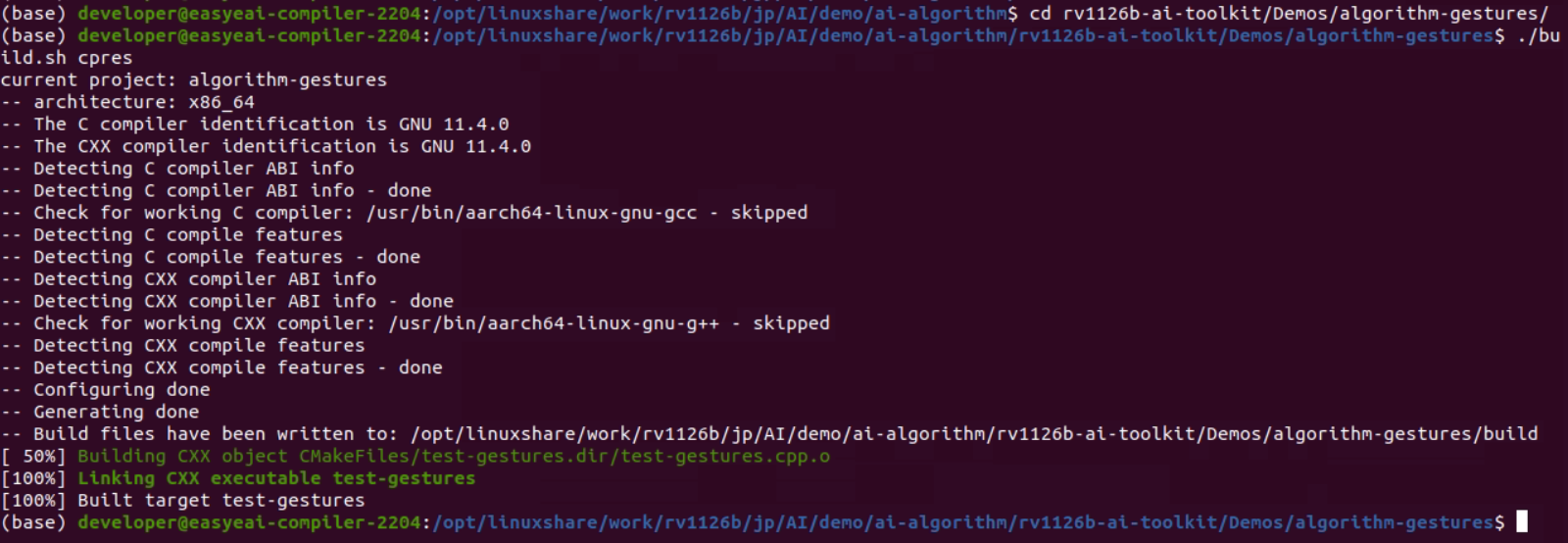
Figure 2-3 Sample Build Result
2.5 Sample Execution and Results
Copy the compiled files to the board.
cp Release/\* /mnt/userdata/Demo/algorithm-gestures/※ If you build with ./build.sh cpres, the files are copied automatically.
Enter the backend of the development board through serial debugging or SSH debugging, and move to the sample deployment directory as follows:
cd /userdata/Demo/algorithm-gestures/The command for running the sample is as follows:
./test-gestures gesture_pose.model gesture_classify.model ok.jpg
Figure 2-4 Sample Execution Result
In the Docker development environment, copy the test Result Image from the board.
cp /mnt/userdata/Demo/algorithm-gestures/result.jpg .
Figure 2-5 Command for Copying the Result Image
The recognition result is shown in the following figure.
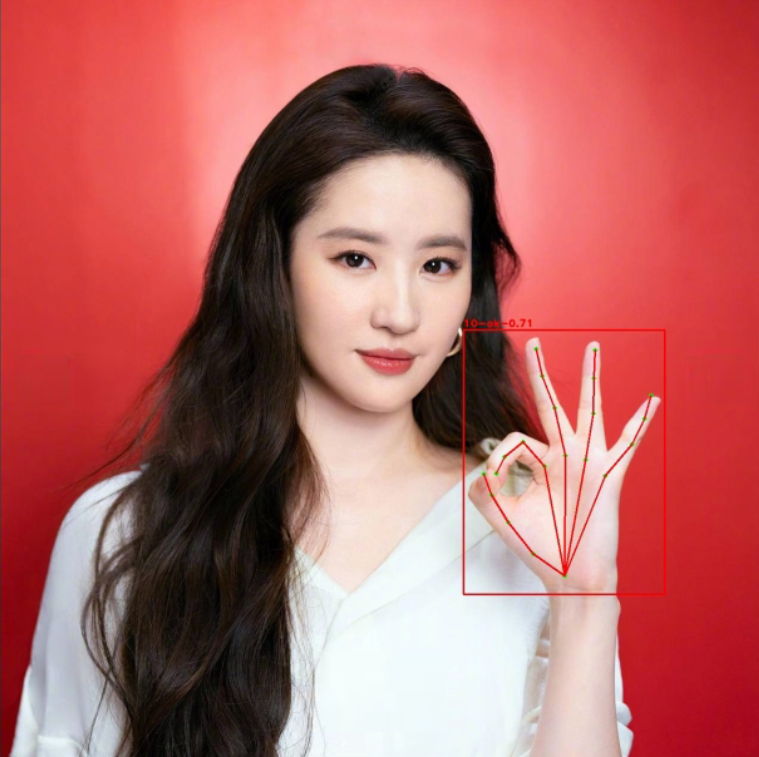
Figure 2-6 Gesture Recognition Result
For detailed API descriptions and API calls (the source code of this sample), refer to the following.
3. Gesture RecognitionAPI Description
3.1 Reference Method
To allow users to call the EASY EAI API library directly from a local project, the libraries and header files that need to be linked in this project are listed below. Users can add them directly.
| Item | Description |
| Header File Directory | easyeai-api/algorithm/gestures |
| Library File Directory | easyeai-api/algorithm/gestures |
| Library Link Parameter | -lgestures |
3.2 Gesture Recognition AlgorithmInitialization Function
The prototype of the gesture recognition initialization function is as follows.
int gestures_init(const char \*p_gestures_path, const char \*p_mobilenet_path, rknn_gestures_context_t &gestures, int cls_num);The details are as follows.
| Function Name: gestures_init() | |
| Header File | gestures.h |
| Input Parameter | p_gestures_path: gesture keypoint model path |
| Input Parameter | p_mobilenet_path: gesture pose model path |
| Input Parameter | gestures:Gesture Recognitioncontext |
| Input Parameter | cls_num:number of classes |
| Return Value | Return value on success: 0 |
| Return value on failure: -1 | |
| Notes | None |
3.3 Gesture Recognition AlgorithmExecution Function
The prototype of the gesture recognition execution function gestures_run is as follows.
std::vector\<rknn_gestures_result_t\> gestures_run(rknn_gestures_context_t &gestures, cv::Mat image, float conf_threshold, float nms_threshold);The details are as follows.
| Function Name:gestures_run() | |
| Header File | gestures.h |
| Input Parameter | gestures:Gesture Recognitioncontext |
| Input Parameter | image:image to be recognized |
| Input Parameter | conf_threshold: gesture object detection confidence |
| Input Parameter | nms_threshold:gesturesnon-maximum suppressionthreshold |
| Return Value | std::vector<rknn_gestures_result_t>:gesturesdetection result |
| Notes | None |
3.4 Gesture Recognition AlgorithmRelease Function
The prototype of the gesture recognition release function is as follows.
int gestures_release(rknn_gestures_context_t &gestures);The details are as follows.
| Function Name:gestures_release() | |
| Header File | gestures.h |
| Input Parameter | gestures:algorithm handle |
| Return Value | Return value on success: 0 |
| Return value on failure: -1 | |
| Notes | None |
4. Gesture Recognition Sample
The sample directory is Demos/algorithm-gestures/test-gestures.cpp, and the operation flow is as follows.
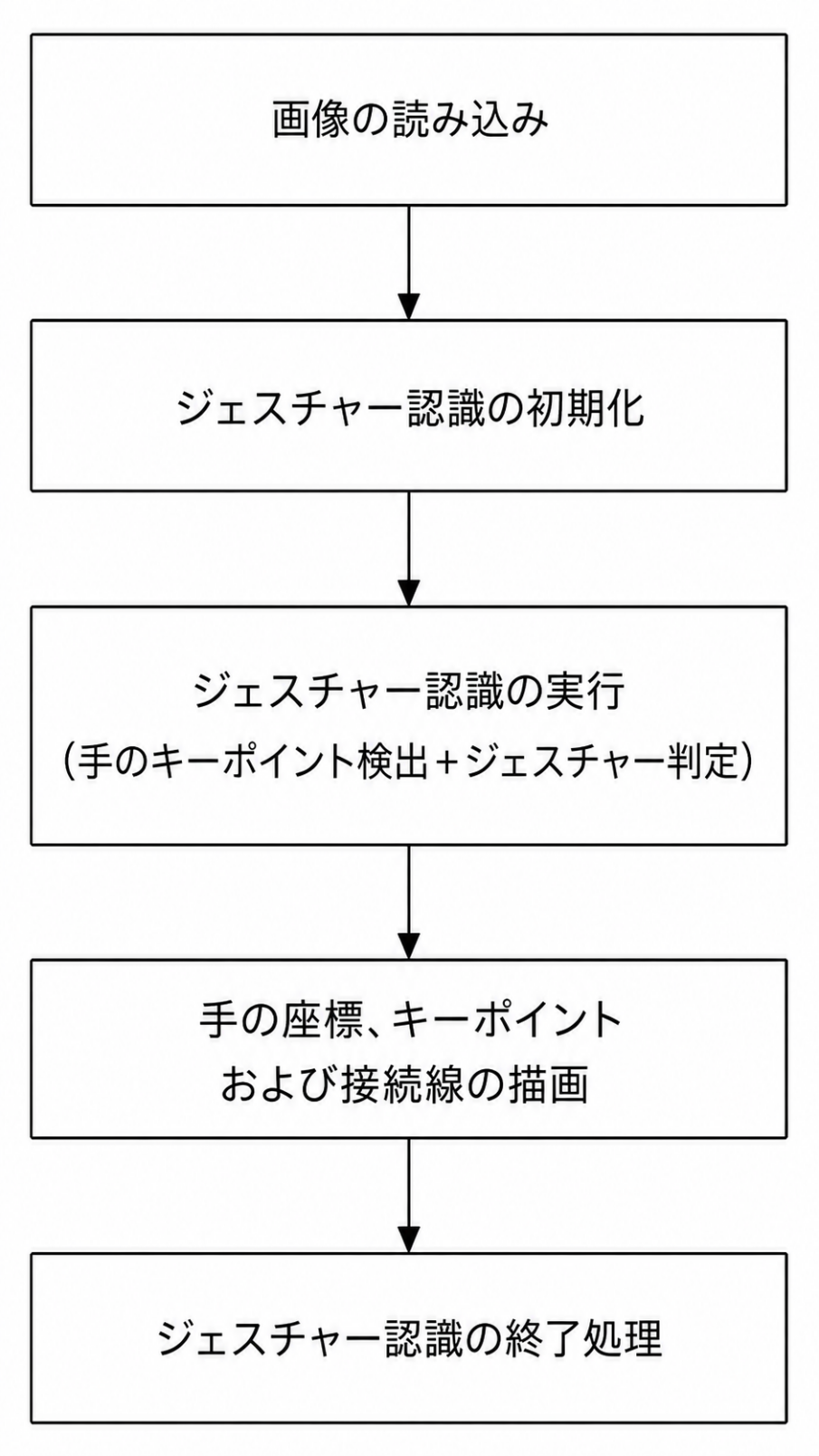
Figure 4-1 Gesture Recognition Algorithm Processing flow
The reference sample is as follows.
#include <stdint.h>#include <stdio.h>#include <stdlib.h>#include <string.h>#include <opencv2/opencv.hpp>#include "gestures.h"

/// 分類名char gpp_gestures[27][100] = { "00-call", "01-dislike", "02-fist", "03-four", "04-grabbing", "05-grip", "06-like", "07-little_finger", "08-middle_finger",  "09-no_gesture", "10-ok", "11-one", "12-palm", "13-peace", "14-peace_inverted", "15-point", "16-rock", "17-stop", "18-stop_inverted", "19-three",   "20-three_gun", "21-three2", "22-three3", "23-thumb_index", "24-two_up", "25-two_up_inverted", "26-gestures_bg" };

/// ジェスチャーを描画しますcv::Mat draw_image(cv::Mat image, std::vector<rknn_gestures_result_t> results){  long unsigned int i =0;  for (i = 0; i < results.size(); i++) {    cv::Rect rect(results[i].left, results[i].top, (results[i].right - results[i].left), (results[i].bottom - results[i].top));    cv::rectangle(image, rect, CV_RGB(255, 0, 0), 2);    char p_text[128];    sprintf(p_text, "%s-%0.2f", gpp_gestures[results[i].gesture], results[i].score);    cv::putText(image, p_text, cv::Point(rect.x, rect.y - 5), 1, 1.2, CV_RGB(255, 0, 0), 2);
    cv::Point pt0(results[i].keypoints[0][0], results[i].keypoints[0][1]);    cv::circle(image, pt0, 2, CV_RGB(0, 255, 0), 3);    for (int m = 0; m < 5; m++) {      int idx = 4 * m + 1;      cv::Point pt1(results[i].keypoints[idx][0], results[i].keypoints[idx][1]);      cv::Point pt2(results[i].keypoints[idx + 1][0], results[i].keypoints[idx + 1][1]);      cv::Point pt3(results[i].keypoints[idx + 2][0], results[i].keypoints[idx + 2][1]);      cv::Point pt4(results[i].keypoints[idx + 3][0], results[i].keypoints[idx + 3][1]);      cv::circle(image, pt1, 2, CV_RGB(0, 255, 0), 3);      cv::circle(image, pt2, 2, CV_RGB(0, 255, 0), 3);      cv::circle(image, pt3, 2, CV_RGB(0, 255, 0), 3);      cv::circle(image, pt4, 2, CV_RGB(0, 255, 0), 3);      cv::line(image, pt0, pt1, CV_RGB(255, 0, 0), 2);      cv::line(image, pt1, pt2, CV_RGB(255, 0, 0), 2);      cv::line(image, pt2, pt3, CV_RGB(255, 0, 0), 2);      cv::line(image, pt3, pt4, CV_RGB(255, 0, 0), 2);    }  }  return image;}
/// メイン関数int main(int argc, char **argv){    if (argc != 4) {        printf("%s <gesture_pose_path> <gesture_classify_path> <image_path>\n", argv[0]);        return -1;    }
    const char *p_gesture_pose_path = argv[1];  const char *p_gesture_classify_path = argv[2];    const char *p_img_path = argv[3];  printf("gesture pose model path = %s, gesture classify path = %s, image path = %s\n", p_gesture_pose_path, p_gesture_classify_path, p_img_path);
  // 画像を読み込みます  cv::Mat image = cv::imread(p_img_path);    if(image.empty()){        printf("Image is empty.\n");        return 0;    }  printf("Image size = (%d, %d)\n", image.rows, image.cols);
  // ジェスチャー認識を初期化します  int ret;  rknn_gestures_context_t gestures;  gestures_init(p_gesture_pose_path, p_gesture_classify_path, gestures, 1);
  // ジェスチャー認識関数  double start = static_cast<double>(cv::getTickCount());
  std::vector<rknn_gestures_result_t> results = gestures_run(gestures, image, 0.35, 0.35);
  double end = static_cast<double>(cv::getTickCount());  double runtime = (end - start) / cv::getTickFrequency() * 1000;  std::cout << "Gestures run time: " << runtime << " ms" << std::endl;
  // 結果を描画します  image = draw_image(image, results);
  cv::imwrite("result.jpg", image);  printf("Detect size = %ld\n", results.size());
  // メモリを解放します    ret = gestures_release(gestures);
    return ret;}